
24 Best Technical Screening Tools To Hire Top Developers Fast
Discover the best technical screening tools to assess coding skills, streamline hiring, and evaluate candidates efficiently for tech roles.
Hiring a developer can feel like sifting through a sea of resumes with no map; resumes, portfolios, and vague interviews rarely reveal how someone will code on day one. What helps is a clear process that tests real skills. Technical screening tools, such as coding tests, algorithmic challenges, pre-employment assessments, live-coding interviews, automated screening, and code reviews, enable you to quickly measure problem-solving, language fluency, and candidate fit. You'll learn which screening and assessment platforms to use, how to conduct remote interviews, and how to build a reliable hiring pipeline for effective talent sourcing and developer screening.
Noxx's AI recruiter plugs into that pipeline, running skill verification and interview automation so you can shortlist true fit faster and with fewer mistakes.
Summary
Interviews and resumes routinely fail to predict on-the-job performance, with a bad hire costing up to 200 percent of salary, hiring stretching over 42 days, and managers spending an extra 10 hours per week patching gaps.
Market momentum favors skills-first evaluation: 75% of tech leaders report that traditional recruitment is ineffective, and 60% of companies expect to have shifted to skills-based assessments by 2025.
Job simulations and objective technical screens improve signal and speed, with studies showing technical screening tools can cut hiring time by about 40% and some deployments reporting a 50% reduction in time-to-hire.
Match assessment type and length to the bottleneck: use 15- to 60-minute automated checks for volume triage, 2- to 6-hour take-homes or sandboxed fixes for craftsmanship, and map tasks to 3- to 5 role-critical outcomes while piloting with 8 to 12 current engineers.
Protect fairness and integrity with randomized inputs, plagiarism detection, time boxes, and demographic impact analysis, and note that roughly 70% of recruiters report improved hire quality after adopting technical screening tools.
Treat screens as experiments, tracking KPIs like time-to-shortlist, interview-to-offer conversion, candidate NPS, and correlation with 30 to 90 day performance, and run A/B tests with 30 to 50 hires per arm before scaling.
This is where Noxx's AI recruiter fits in: it addresses volume and consistency by automating skill verification and interview orchestration, so teams can reduce early screening from days to hours.
Table of Contents
Why Traditional Tech Recruitment Processes No Longer Cut It
What Technical Screening Tools Are and Why They Matter
24 Best Technical Screening Tools to Streamline Developer Hiring
How to Implement Technical Screening Tools Effectively
Stop Wasting Time on Unqualified Candidates—Try Noxx
Why Traditional Tech Recruitment Processes No Longer Cut It

Interviews and resumes alone often miss whether someone can actually do the job, and that mismatch costs teams time, money, and morale; job simulations address this by showing candidates doing role-relevant work under realistic constraints. When you can watch how someone solves the exact problems they will face, you move from guesswork to measurement, which shortens hiring cycles and raises confidence in every hire.
Why Do Interviews So Often Fail to Predict On-the-Job Performance?
Generic whiteboard questions and polished resumes create a false sense of fit. Teams spend hours on behavioral interviews and pair-programming sessions that reveal thinking styles but not whether a candidate can complete the tasks they will own. The consequence is real:
A bad hire can cost up to 200 percent of that person’s salary
Hiring a new engineer routinely takes over 42 days
Managers may spend an additional 10 hours per week patching gaps as the team slows.
Those are not abstract losses; they are weekly velocity lost and missed product deadlines.
How Does the Broader Market View Traditional Hiring Methods?
Executives are noticing the same pattern across companies and markets. According to Vervoe, 75% of tech leaders believe traditional recruitment processes are ineffective at finding the right talent. That 2023 signal explains why teams are abandoning gut-driven pipelines that rely mostly on resumes and references. Complementing that shift, the Industry Hiring Trends report finds that 60% of companies have adopted skills-based assessments instead of traditional interviews. The 2025 trend shows organizations are moving toward objective measures that map to job performance, not polished interview answers.
How Do Job Simulations Change Hiring Outcomes?
Job simulations are not another interviewing fad; they are a different measurement method. Well-designed simulations combine role-aligned tasks, automated scoring for correctness and efficiency, and human review for maintainability and team fit. That structure produces faster shortlists by gating interviews to demonstrate competence, and it improves predictive validity because the tasks mirror day-to-day work. You can see metrics such as time-to-complete, test pass rates, and quality-of-solution side by side, making candidate comparisons objective rather than anecdotal.
How Should You Design a Simulation So It Actually Predicts Success?
If you want predictive screens, design tasks that replicate the role's constraints, then score them using explicit rubrics. For example, a backend engineering screen should include debugging a failing service with logs and test harnesses, not an abstract algorithm puzzle; a frontend screen should require implementing a small but complete UI with accessibility considerations and tests. Pair automated metrics, such as test coverage and runtime complexity, with human-rated indicators like code clarity and architectural sense. That combination balances speed with nuance.
Where Does Product Support Fit into This Change?
Most teams keep manual screens because they are comfortable and require no new workflows. That familiarity costs interview consistency and slows hiring as volume grows. Platforms like Noxx provide job-relevant technical screens with objective scoring and integrations that slot into applicant tracking systems, enabling teams to compress early evaluation from days to hours while preserving auditability and fairness. Teams find they can reduce bias and raise interview-to-hire conversion by running these screens before scheduling live interviews.
Related Reading
• Hire Test Software Engineers
• Software Developer Contract Rates
• Software Developer Characteristics
• Recruitment Process for Software Developers
• Best Job Boards for Software Engineers
• How to Recruit Software Engineers
• How to Hire a DevOps Engineer
What Technical Screening Tools Are and Why They Matter

Technical screening tools are purpose-built platforms and assessments that measure coding skills, problem-solving, and job-relevant engineering tasks early in the pipeline, providing an objective signal to separate candidates who can do the work from those who cannot. They speed up filtering, reduce subjective guesswork in resume reviews, and allow hiring teams to focus on live interviews and judgment calls rather than on fundamentals. 75% of companies use technical screening tools to improve hiring quality. This adoption reflects a shift toward skills-first hiring practices.
What Types of Technical Screens Match Common Hiring Needs?
When you need volume triage for dozens or hundreds of applicants, short automated coding tests and multiple-choice checks work best because they maximize throughput in 15 to 60 minutes. If you must assess craftsmanship and design thinking, use timed take-home projects or simulated tasks that require a short deliverable to reveal maintainability and architectural choices. Live pair programming or structured whiteboard sessions are useful when collaboration and communication under pressure are critical. Static analysis and automated test-suite scoring add objective metrics, while randomized problem variants and plagiarism detection help preserve integrity. Think about each instrument as trading speed for signal:
The longer the task, the higher the per-candidate predictive power
The fewer candidates you can screen at scale.
How Should You Design Scoring So the Numbers Mean Something?
If you want actionable scores, start by mapping tasks to three to five role-critical outcomes, then convert those outcomes into rubric items with clear anchors and weights. Use automated metrics for repeatable measures like test pass rate, runtime complexity, and execution correctness, and pair them with human-rated dimensions such as readability and architectural judgment. Run inter-rater calibration sessions until agreement is consistent, track item-level statistics to remove weak or biased questions, and pilot the screen against a small cohort of current engineers to check predictive validity before rollout. Treat thresholds as adjustable parameters, not laws; set them conservatively at first, then tighten as you collect outcome data.
What Practical Steps Stop Assessments from Being Gamed and Keep Them Fair?
Cheating and adverse impact occur when tests reward memorization or when tests are run without controls. Prefer open-book, design-focused prompts that require original structure and judgment; implement time boxes and randomized inputs; run automated plagiarism and similarity checks; and require short rationales that expose thinking. Conduct demographic impact analyses regularly, remove items with differential performance by subgroup, and maintain accommodations so accessibility does not become an exclusionary factor.
Which KPIs and Experiments Prove a Screen Is Working?
Teams that treat screens as experiments measure both hiring funnel metrics and on-the-job outcomes. Track time-to-shortlist, interview-to-offer conversion, candidate withdrawal rate, candidate NPS, and the correlation between screen score and 90-day performance or ramp time. Run an A/B test with half the roles using the new screen and half following the prior process; collect at least 30-50 hires per arm, if feasible, and compare interview load, offer rates, and early performance. Use those results to tune rubric weights, retune pass thresholds, and decide whether to scale the screen across roles.
Related Reading
• How to Find NFT Developers
• How to Hire Front End Developer
• How to Hire a Full Stack Developer
• Software Development Rates by Country
• How to Hire a Web Developer
• How Much Does It Cost to Hire a Software Developer
24 Best Technical Screening Tools to Streamline Developer Hiring

1. Noxx
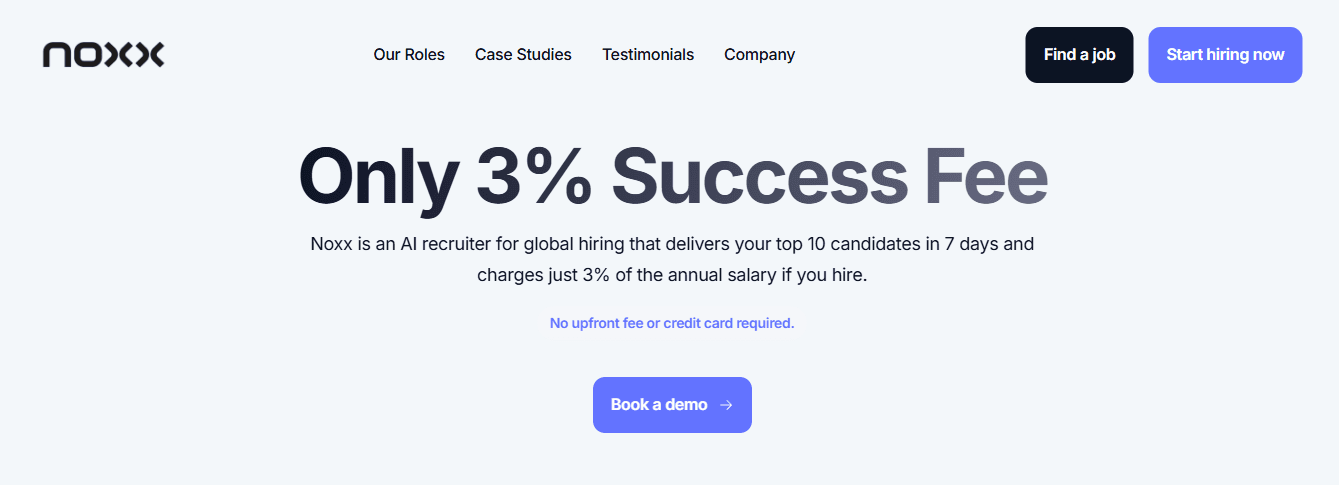
Noxx uses an AI recruiter to screen very large applicant pools and present top matches fast.
Key features: Automated sourcing, job description uploads, salary expectations surfaced, contingency pricing (pay 3% if you hire).
Best for: Rapid high-volume sourcing and early-stage shortlisting for full-stack and general engineering roles.
How it solves problems: When volume drowns your team, this platform compresses early screening cycles and reduces manual CV triage so hiring managers get a small, high-quality shortlist instead of hundreds of uncertain resumes.
2. eSkill
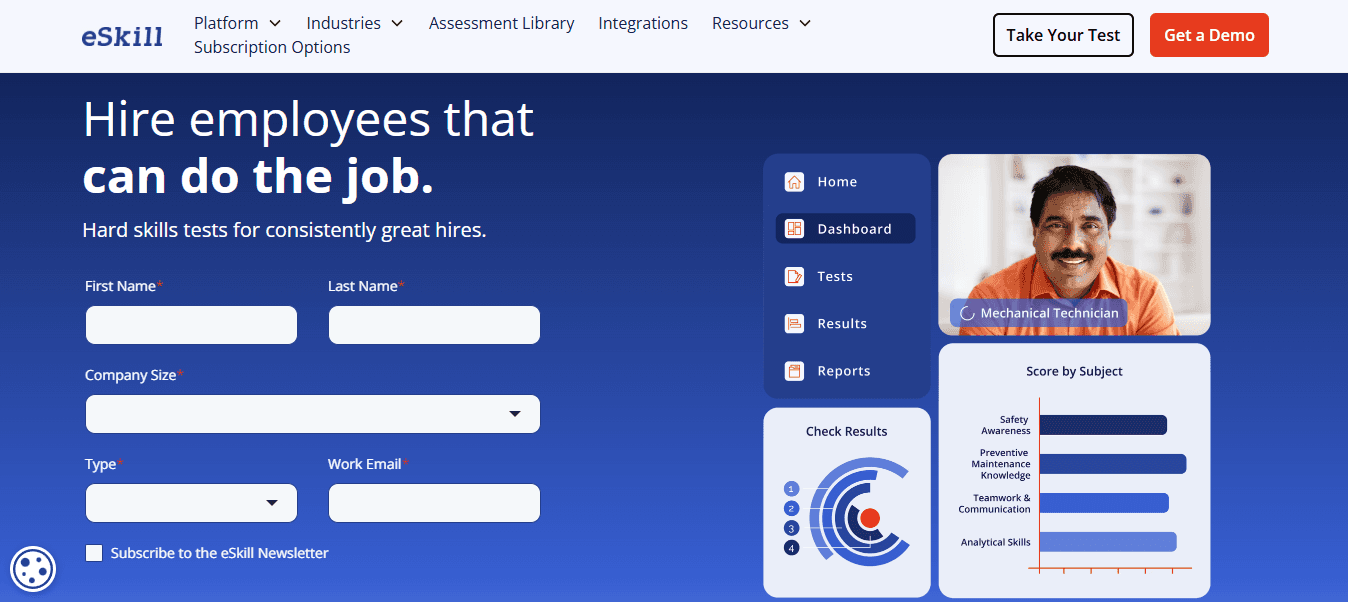
Customizable tests and recorded video responses let you combine theory, practical tasks, and situational questions on one screen.
Key features: Test authoring, candidate management, video response review, and analytics.
Best for: Role-aligned skills checks for front-end and back-end specialists, plus behavioral fit screening.
How it solves problems: Replaces time-consuming phone screens with structured, reviewable artifacts that scale reviewer effort and improve consistency across raters.
3. The Hire Talent
Lightweight, low-cost automation for reference and competency checks.
Key features: Reference automation, status tracking, reporting, and reminders.
Best for: Final-stage behavioral checks and candidate verification for any role.
How it solves problems: Reduces administrative lag at offer time, cutting the back-and-forth that delays onboarding and increases candidate drop-off.
4. DevSkiller TalentScore
Real-world coding tasks and live online development sessions with plagiarism checks.
Key features: 200+ technical skills, remote interviews, plagiarism detection, scorecards.
Best for: Full-stack and back-end coding assessments that need real-world context.
How it solves problems: Produces objective, work-like signals so interview time focuses on judgment and culture fit rather than basic competency.
5. Coderbyte
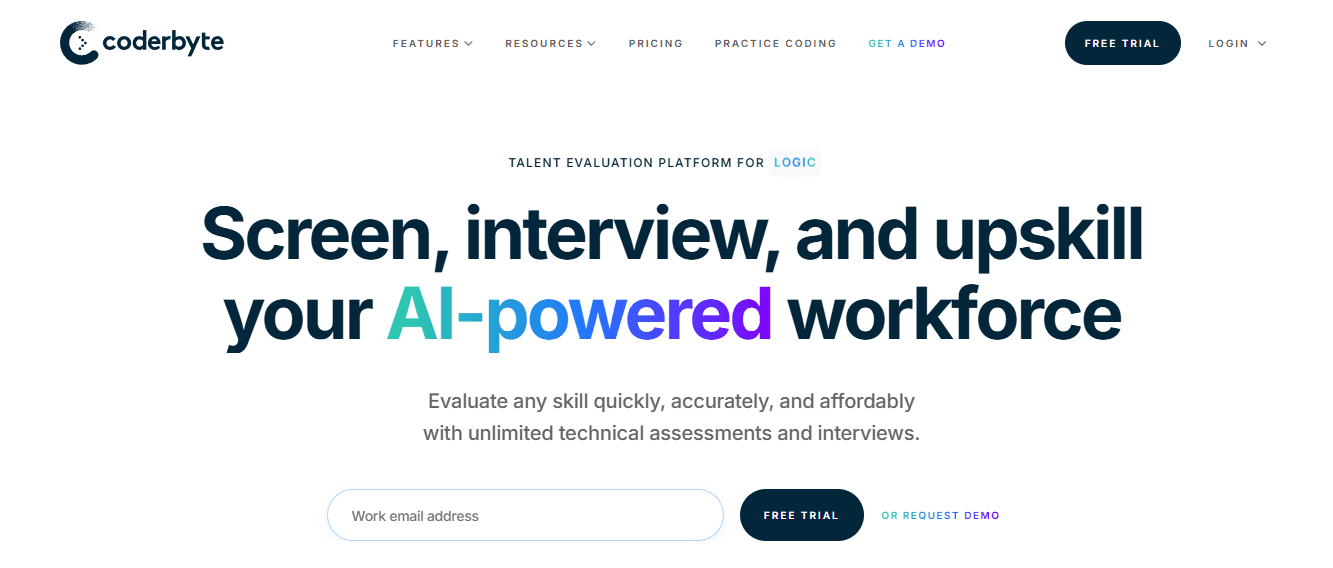
A broad library of coding challenges, plus candidate comparison and automatic grading.
Key features: Pre-made tasks, customizable tests, live interviews, and progress tracking.
Best for: Algorithmic screening and timed coding problems for both junior and senior hires.
How it solves problems: Lets you standardize early algorithmic checks to prevent subjective resume screening from bleeding into technical evaluation.
6. HackerRank
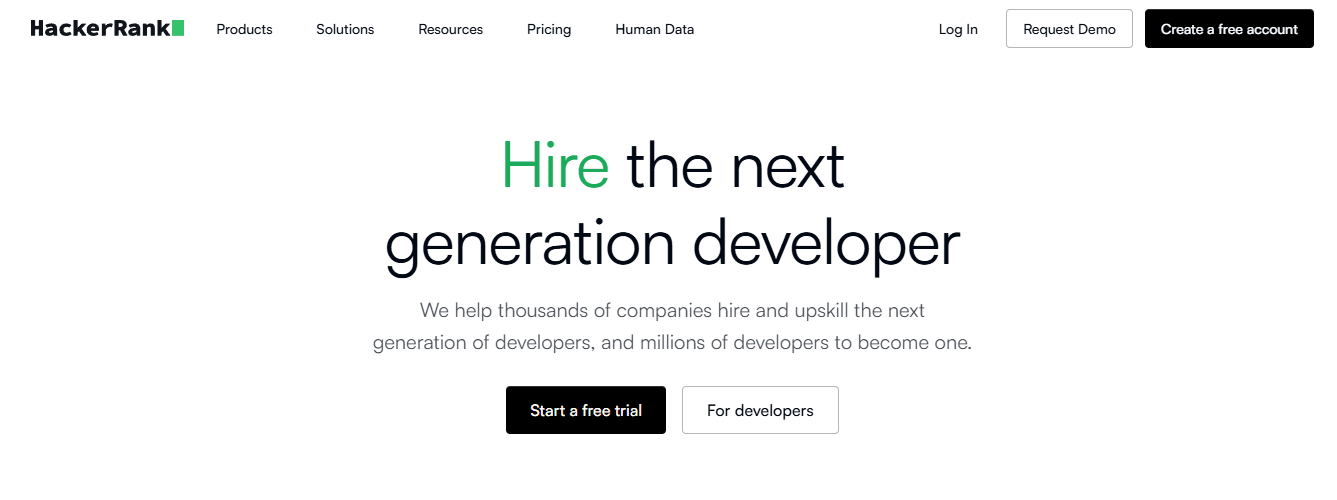
Large library of tests built to mirror common engineering problems and company-specific workflows.
Key features: Candidate profiles, activity dashboards, customizable tests.
Best for: Algorithm-heavy roles and standardized assessments across teams.
How it solves problems: Provides repeatable benchmarks that enable managers to compare candidates using the same measurable criteria.
7. CodeSignal
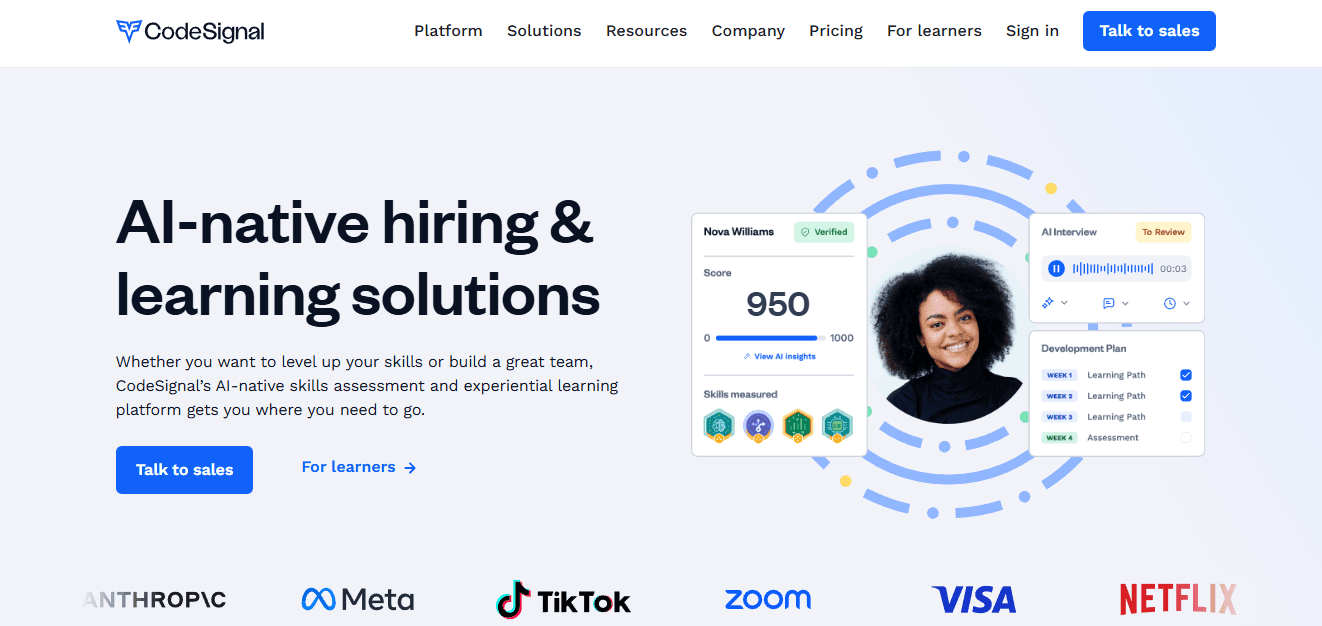
End-to-end technical assessment platform with real-scenario tasks and live interview tooling.
Key features: Candidate management, automated scoring, question library, and remote interviews.
Best for: Full-stack and mixed-skill roles that need both automated scoring and live follow-up.
How it solves problems: Reduces false positives by combining machine-checked metrics with human-led interviews where nuance matters.
8. Codility
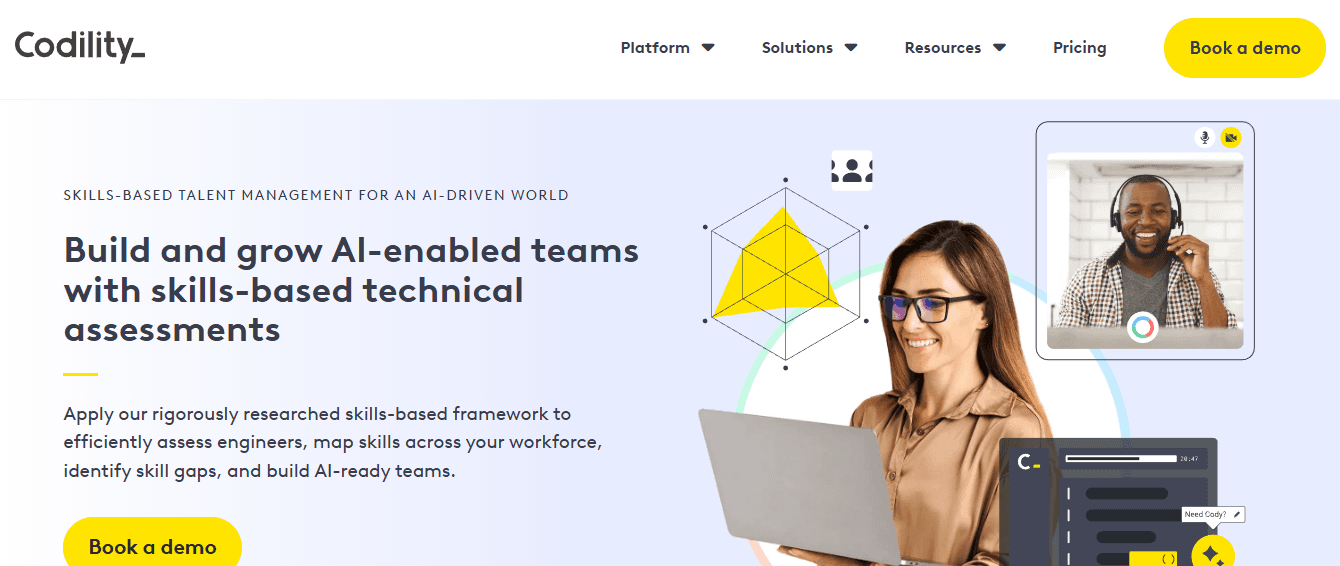
Pair-programming, interactive interviews, and gamified events to see developers work under pressure.
Key features: Workflow management, interview tools, talent acquisition modules.
Best for: Back-end and algorithmic evaluations where collaboration matters.
How it solves problems: Shows how candidates perform in a collaborative coding context rather than isolated puzzles.
9. Talview
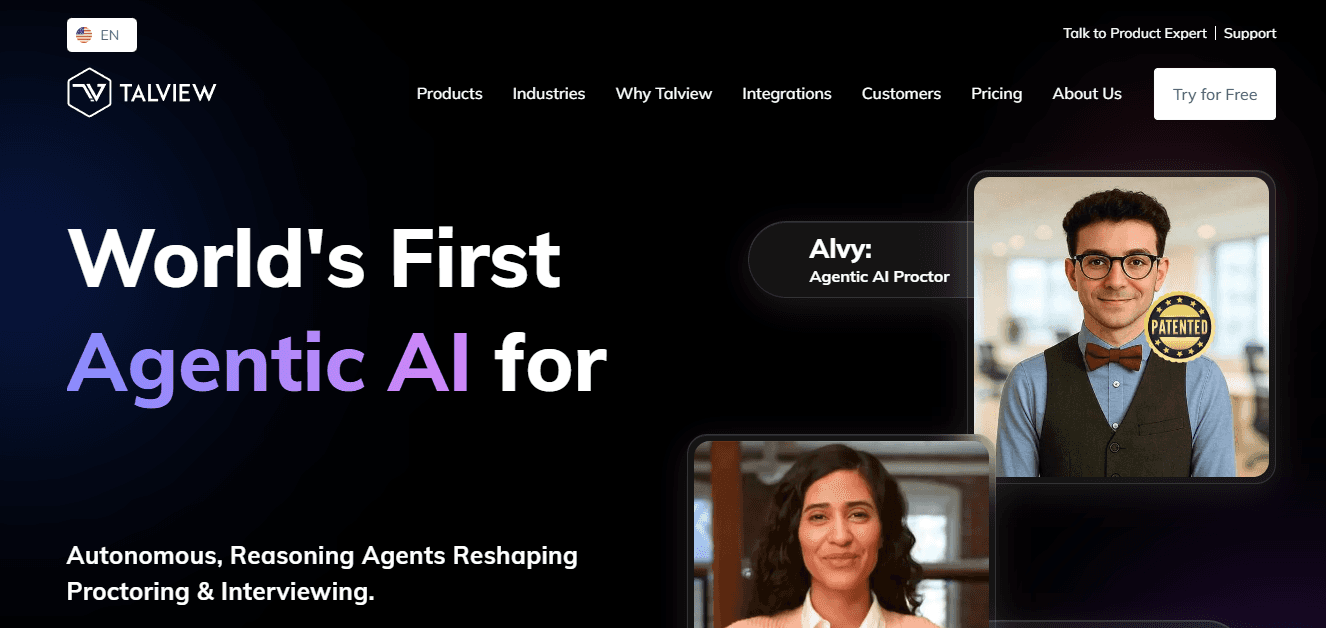
AI-enabled proctoring plus combined technical and soft-skills assessment.
Key features: CV screening, live video interviews, proctoring, and online assessments.
Best for: High-integrity, remote technical screens and soft-skill evaluation in one flow.
How it solves problems: Protects validity at scale by reducing cheating and making asynchronous interviews auditable.
10. iMocha
Asynchronous interviews plus AI-driven analytics for skill gaps and development planning.
Key features: AI scoring, candidate comparison, detailed reporting, and learning pathway suggestions.
Best for: Skill benchmarking across large hiring funnels and workforce upskilling decisions.
How it solves problems: Ties screening results to development signals so you can decide hire vs train with data.
11. TestGorilla
Large library of practical tests for hard and soft skills, with video response review.
Key features: 190+ tests, reporting, candidate comparison, and video rewatch.
Best for: Broad pre-hire screens that combine cognitive, technical, and behavioral measures.
How it solves problems: Lets you reduce bias by scoring multiple competence dimensions before interviews.
12. WeCP | We Create Problems
Massive question bank and AI co-pilot that helps create, run, and evaluate custom technical assessments.
Key features: 600,000+ questions, AI interviewer, proctoring, end-to-end customization, enterprise security.
Best for: Large enterprises or campus hiring where both volume and customization matter.
How it solves problems: Automates template creation and calibration, reducing setup costs for highly predictive, role-aligned screens.
13. ProProfs Quiz Maker
Wide-ranging quiz engine with AI quiz generation from job descriptions and proctoring features.
Key features: AI quiz generator, 1M+ question library, anti-cheating controls, integrations.
Best for: Non-technical pre-screening combined with technical or blended role checks.
How it solves problems: Speeds test creation for hiring teams that lack a dedicated assessment designer, reducing time to deploy screens.
14. CodeSubmit
Candidate submissions via Git workflows and browser-based test runs, integrated with ATS.
Key features: Git-based assignments, ATS integrations, run-in-browser capability, branding.
Best for: Take-home projects for mid to senior engineering roles where real workflow matters.
How it solves problems: Preserves candidate workflow authenticity while making reviewer runs repeatable and friction-free.
15. Mettl
Customizable assessments with AI-based remote proctoring and multi-evaluator grading.
Key features: LMS/HRMS integrations, AI proctoring, evaluator workflows, and custom reports.
Best for: Regulated industries and roles that require additional validation and multiple-rater inputs.
How it solves problems: Keeps audit and compliance requirements intact while scaling assessments across business units.
16. TestDome
Real-world problem sets with anti-cheat features and automated pass/fail workflows.
Key features: Webcam monitoring, copy-paste protection, automated scoring, large skill coverage.
Best for: Quick, role-specific coding and technical aptitude tests for small to mid-size teams.
How it solves problems: Cuts manual screening by generating reliable pass thresholds and bulk candidate sorting.
17. Qualified.io
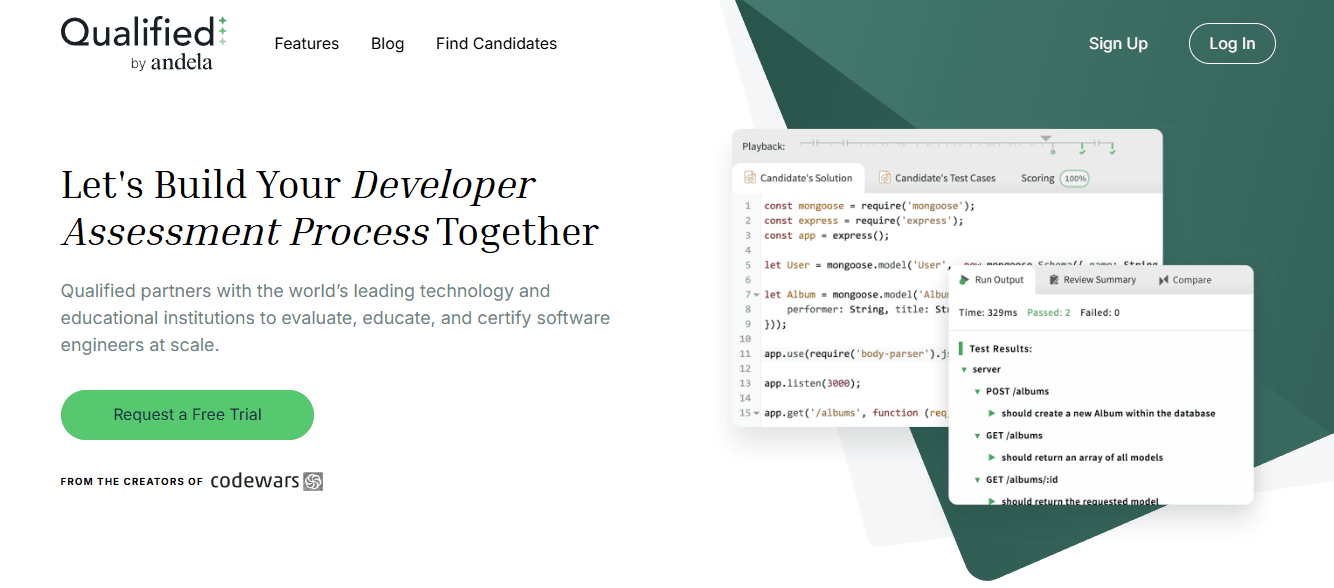
Real-time automated code evaluation with comprehensive benchmarking and code playback.
Key features: AI grading, code similarity checks, pair-programming support, and detailed reports.
Best for: Senior engineers and roles where code quality, maintainability, and approach matter.
How it solves problems: Provides hiring teams with deep forensic evidence of the coding process and decisions, reducing subjective debate during interviews.
18. HirePro
End-to-end recruitment workflow automation with proctoring, chatbots, and thousands of pre-built questions.
Key features: Live and automated proctoring, AI pipeline augmentation, and scheduling automation.
Best for: High-volume, multi-language hiring across campus or bulk-hire programs.
How it solves problems: Replaces manual scheduling and follow-up with automated candidate flows, reducing administrative bottlenecks.
19. Filtered.ai

AI-driven candidate sourcing, outreach, and diversity-aware filtering with proctoring safeguards.
Key features: Automated sourcing, identity verification across 200+ countries, diversity filters, and proctoring alerts.
Best for: Talent identification at scale, especially when diversity and geographic verification matter.
How it solves problems: Expands candidate pools while preserving signal and reducing unconscious bias in early stages.
20. CodinGame
Gamified coding challenges and contests with a community of developers and live interview modes.
Key features: Gamified assessments, community-driven challenges, take-home projects, live code sessions.
Best for: Front-end and algorithmic roles where engagement and candidate experience influence conversion.
How it solves problems: Attracts passive and active talent through enjoyable, realistic challenges that double as recruitment marketing.
21. HireVue
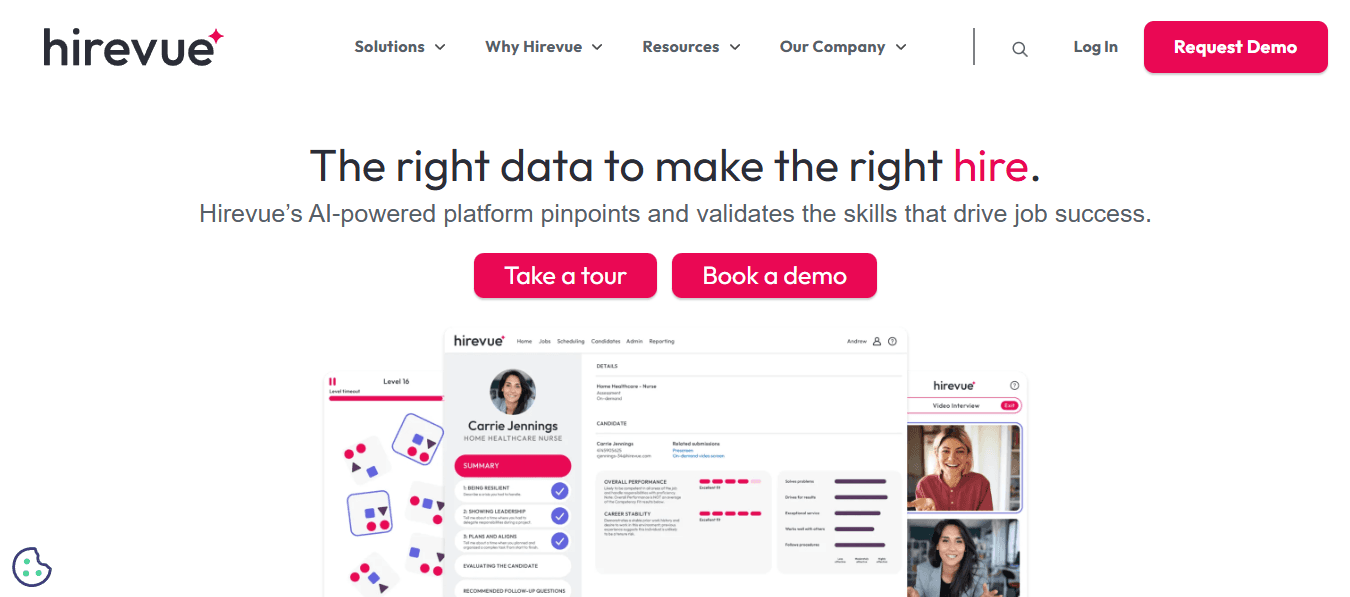
Asynchronous video interviews augmented by AI analytics for behavior and language patterns.
Key features: One-way and live video, predictive analytics, game-based assessments, virtual assistant.
Best for: Early behavioral screens and high-volume hiring that needs a blend of soft-skill evidence and automated triage.
How it solves problems: Reduces scheduling friction and gives structured, rewatchable interview artifacts for fairer evaluation.
22. Xobin
Pre-hire screening and psychometric tests with browser monitoring and video-to-text transcription.
Key features: AI scoring, off-tab detection, grammar checks, ATS integration.
Best for: Roles requiring psychometric rigour and technical skill checks, including finance and ops-adjacent engineers.
How it solves problems: Adds signal on cognitive and communication fit, so technical screens do not overlook culture or role-adjacent skills.
23. Vervoe
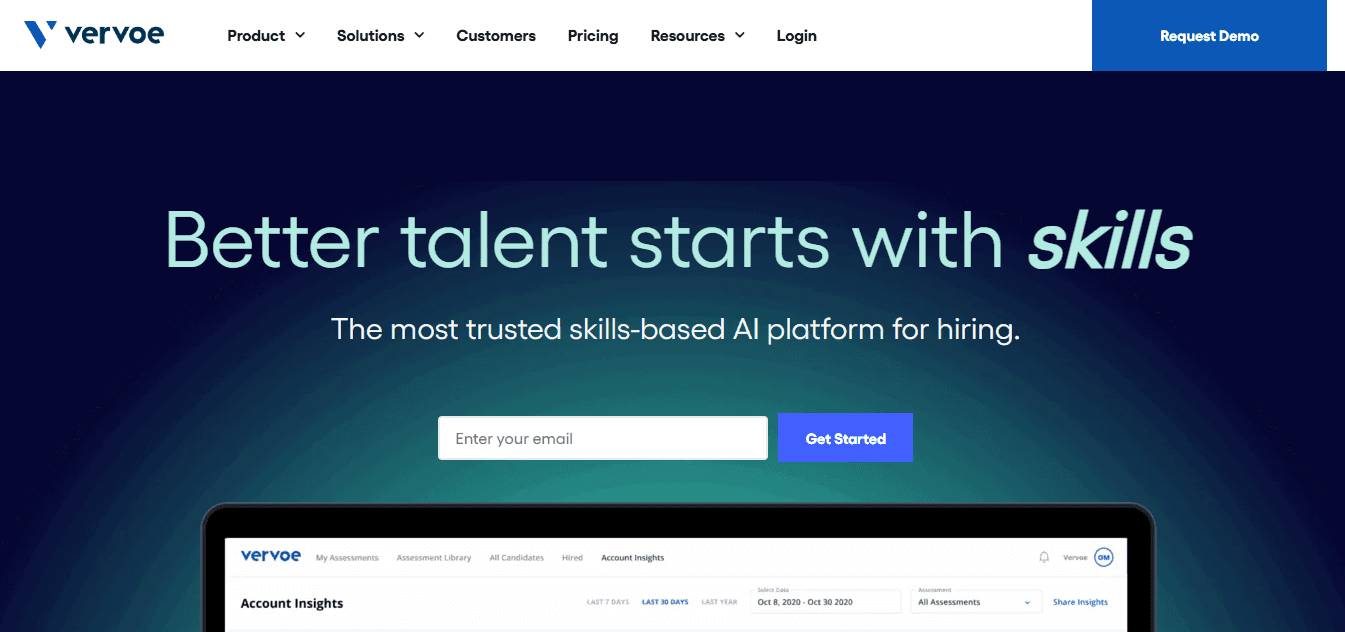
Job-specific simulations rated by AI to mimic real role tasks and rank candidates.
Key features: Simulation-based assessments, AI auto-grading, and candidate ranking.
Best for: Role-specific simulations for hires where on-the-job simulation predicts ramp speed, such as product engineering or DevOps.
How it solves problems: Converts subjective resume impressions into performance-ranked evidence that hiring managers can trust.
24. Byteboard
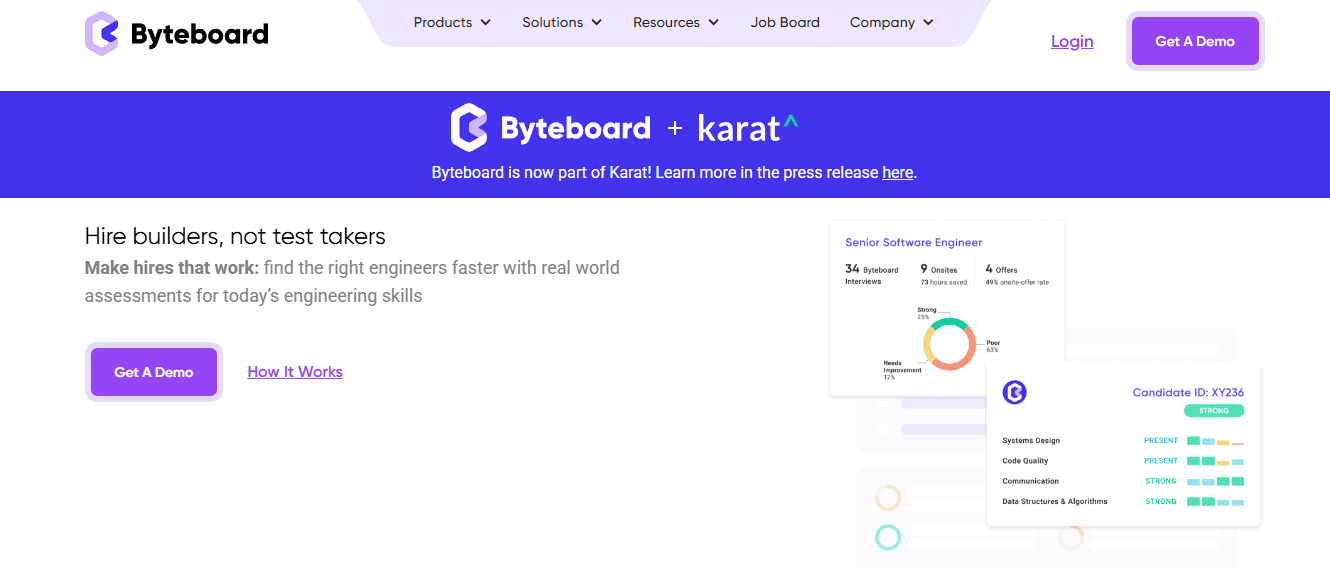
Provider-managed, project-style take-home interviews designed to measure real engineering work and reduce bias.
Key features: Role-specific projects, managed scheduling, scored by experts, and startup-friendly programs.
Best for: Mid-senior roles where equitable, in-depth project evaluation and candidate experience matter most.
How it solves problems: Offloads administrative overhead while delivering a fairer, project-based signal that hiring panels can rely on.
How to Implement Technical Screening Tools Effectively

Start by treating the screen as a production rule, not a checkbox. Define the role-specific skills you must measure, select assessment types that map to those skills and your funnel constraints, set defensible pass thresholds with a calibration plan, and use screens to focus interviews on judgment and fit rather than basics. Make each step concrete, owned, and timeboxed so the screen actually shortens cycles and raises signal instead of adding friction.
Which Core Skills Should You Define First?
Run a one-hour workshop with the hiring manager and two recent high performers, timed and documented. Capture three to six observable outcomes, for example, "ship a feature with tests and CI in a day," or "diagnose a production bug from logs in 90 minutes." Turn each outcome into a short rubric item with a simple anchor, such as Acceptable, Good, and Excellent, and attach a weight that reflects business impact.
How Do I Choose the Right Assessment Type for Each Funnel Stage?
Map the assessment to the hiring bottleneck. If volume is the problem, use short automated code checks and multiple-choice logic to gate at scale, with a budget of 15-45 minutes per candidate. If you need to measure craftsmanship, use a time-boxed take-home or a sandboxed bug-fix that runs tests automatically, budgeted at 2 to 4 hours. If collaboration and communication matter, schedule a 45- to 60-minute live problem review after the candidate clears the earlier gates. Add integrity controls appropriate to the risk, such as randomized inputs, plagiarism checks, and brief rationales that the candidate must submit, to ensure automated metrics remain trustworthy.
How Should You Set Defensible Passing Thresholds?
Benchmark against your own engineers first. Run the draft assessment on 8 to 12 current contributors to produce a performance distribution and key item-level statistics. Then run a short pilot on a mix of known hires and recent applicants, and use those results to build a precision-recall tradeoff curve. Pick an initial threshold that favors precision for senior roles and recall for entry roles, and document it as an experiment with a 6 to 12 week review window. Use soft gates when you want human override; use hard gates when time-to-shortlist matters most; and require a brief justification when hiring managers override a hard gate.
How Do You Combine Automated Results with Interviews Without Losing Nuance?
Push screen artifacts into the interview packet, not a yes-or-no answer. Require interviewers to review the candidate's submission and the automated metrics before the first touch, and build the interview guide based on observed gaps in the submission. For example, if the screen shows a correct solution with weak test coverage, make test design a one-on-one discussion item rather than re-checking fundamentals. Use structured debriefs where each interviewer records evidence against the original rubric items and votes on the weighted score. The combined score should be reproducible from the packet, and exceptions require a written rationale that references the rubric anchors.
What Operational Practices Prevent This from Becoming Another Bottleneck?
Assign clear owners and SLAs:
The recruiter owns candidate messaging and ATS triggers within 24 hours
The engineer reviewer owns the code review within 48 hours
The hiring manager signs off on the monthly thresholds
Track a compact KPI set weekly, including time-to-shortlist, interview-to-offer conversion, candidate withdrawal rate, and correlation between screen score and 30- to 90-day performance metrics. Building on earlier points about measuring outcomes, use those signals to iterate on item scope, weightings, and whether a test should be open-book or proctored.
How Do You Know the Screens Actually Improve Hire Quality and Cycle Time?
Run small pilots with clear success criteria, and treat the results as data for decision-making. Companies using technical screening tools have reduced their time-to-hire by 50%. That 2023 finding means better gating directly shortens scheduling and offers timelines. Also include qualitative signals:
Interviewer confidence
Hiring manager ramp speed
Candidate NPS
70% of recruiters say that technical screening tools have increased the quality of their hires. That 2023 report shows practitioners are seeing clearer signals from objective screens, not just faster funnels.
What Checklist Keeps the Team Honest During Rollout?
Do these five things:
Run the role workshop and publish the skill matrix within one week
Pilot the assessment on your team and 20 external candidates in two weeks
Set an experimental threshold with documented override rules
Integrate screen outputs into interview packets and shorten live coding to 30 minutes
Review KPIs and item statistics monthly and retire items that show bias or low discrimination
Treat the first three months as calibration, not production.
Stop Wasting Time on Unqualified Candidates—Try Noxx
I understand why teams default to resume screens and ad hoc tests; they feel familiar and fast, but they obscure objective signals and turn hiring into a guessing game. If you want skills-based assessments and technical screening tools that deliver automated scoring, job-realistic evaluation, ATS integration, and verified shortlists, consider Noxx. Struggling to find candidates who actually have the technical skills your team needs? Noxx makes technical hiring fast, precise, and risk-free:
AI-Powered Screening: Automatically evaluate over 1,000 applicants to identify the top 10 candidates with verified skills, coding ability, and problem-solving experience in just 7 days.
No Risk, No Upfront Fees: Only pay a 3% placement fee if you hire, so there’s zero upfront cost for finding highly qualified talent.
Salary Transparency & Cost Savings: View salary expectations upfront and access talent at up to 70% less than typical US rates.
Quality You Can Trust: Unlike generic job boards, Noxx ensures candidates meet your technical requirements, match your project needs, and communicate effectively.
Focus on Fit, Not Filtering: Let AI handle screening while you interview and select candidates who are the best cultural and technical match.
Upload your job today and get your top 10 technically qualified candidates in just 7 days, saving time, reducing hiring risk, and ensuring your team is ready to deliver.
Related Reading
• Developer Assessment Tools
• Software Engineer Hiring Trends
• Best Place to Hire Mobile App Developers
• Hire Financial Software Developers
• How Much Does It Cost to Hire an App Developer

Noxx is an AI recruiter for global hiring that delivers your top 10 candidates in 7 days and charges just 3% of the annual salary if you hire.